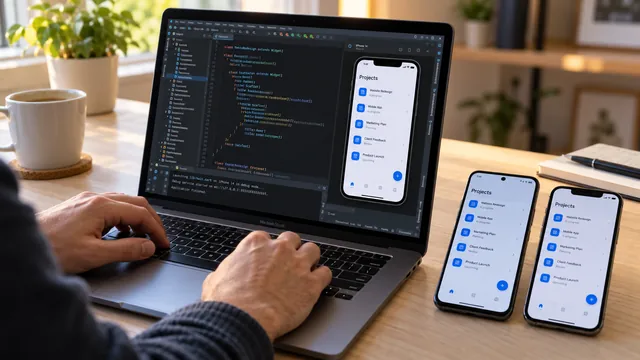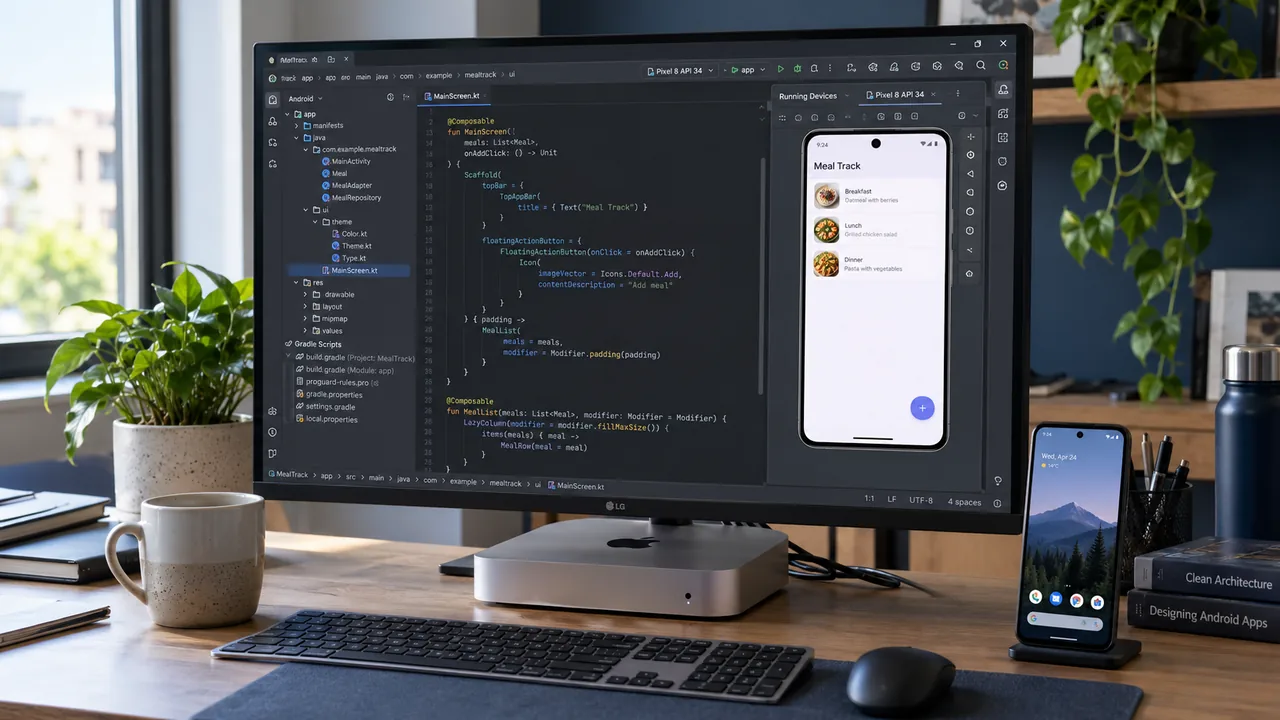
Android Studio is the official integrated development environment for Android apps. On macOS it combines editing, build tools, analysis and debugging, with testing on an emulator or physical device.
The editor, analysers and debugging tools serve different parts of the workflow. An emulator supports tests without a separate phone; a physical device adds checks on real hardware and behaviour.
Apple Silicon uses architecture-appropriate IDE versions and emulator images. Build times also depend on project size, memory, storage and dependencies. The processor alone does not determine the speed of the whole workflow.
How do you install Android Studio on a Mac?
Installation on macOS follows the usual DMG application process. The setup assistant then configures the Android SDK and selected components. Current system requirements are checked in Android Developers documentation.
- Download Android Studio from the official Android Developers website.
- Open the downloaded DMG file.
- Drag the Android Studio icon into the Applications folder.
- Launch the program.
- The Setup Wizard automatically installs the Android SDK, the Emulator and the required development tools.
Initial setup time depends on connectivity, download sizes and components. After installation, the SDK, emulator and any physical test device are checked.
Which language are the apps written in?
Google recommends Kotlin as the primary language for Android.
Java remains present in Android projects, while Kotlin offers other ways to express logic, including checks for nullable values. Concise syntax does not remove the need for tests, code review and lifecycle management.
Jetpack Compose lets you build the user interface directly in Kotlin code, with no need for XML layout files.
Why do so many developers choose a Mac?
One of the biggest reasons is the ability to develop apps for both Android and iPhone.
A single Mac can run:
- Android Studio;
- Xcode;
- Flutter;
- Visual Studio Code;
- Git;
- Docker.
That way one computer covers development for both Android and iOS.
Is a Mac mini a good fit?
A Mac mini is one possible desktop configuration for this workflow. Its suitability depends on memory, storage, concurrent tools and project size. A compact case does not replace assessing development resources.
Workstation selection considers resources for the editor, emulators and build tools together. Whether an iOS version is planned also matters because it adds platform and tooling requirements.
Conclusion
macOS can combine Android Studio and Apple's tools on one workstation. This is an organisational option rather than a condition for a good Android app: Windows and Linux are also supported. Project design, testing and maintenance remain decisive.
Further reading: Android Developers.