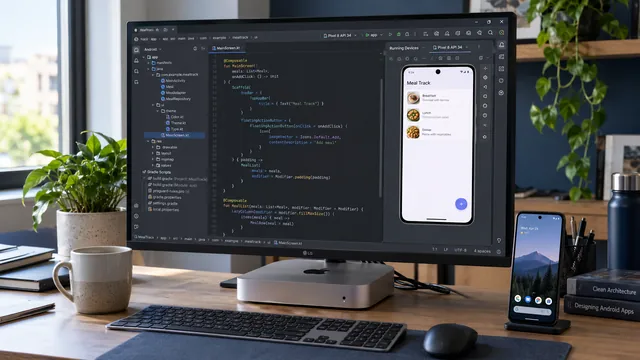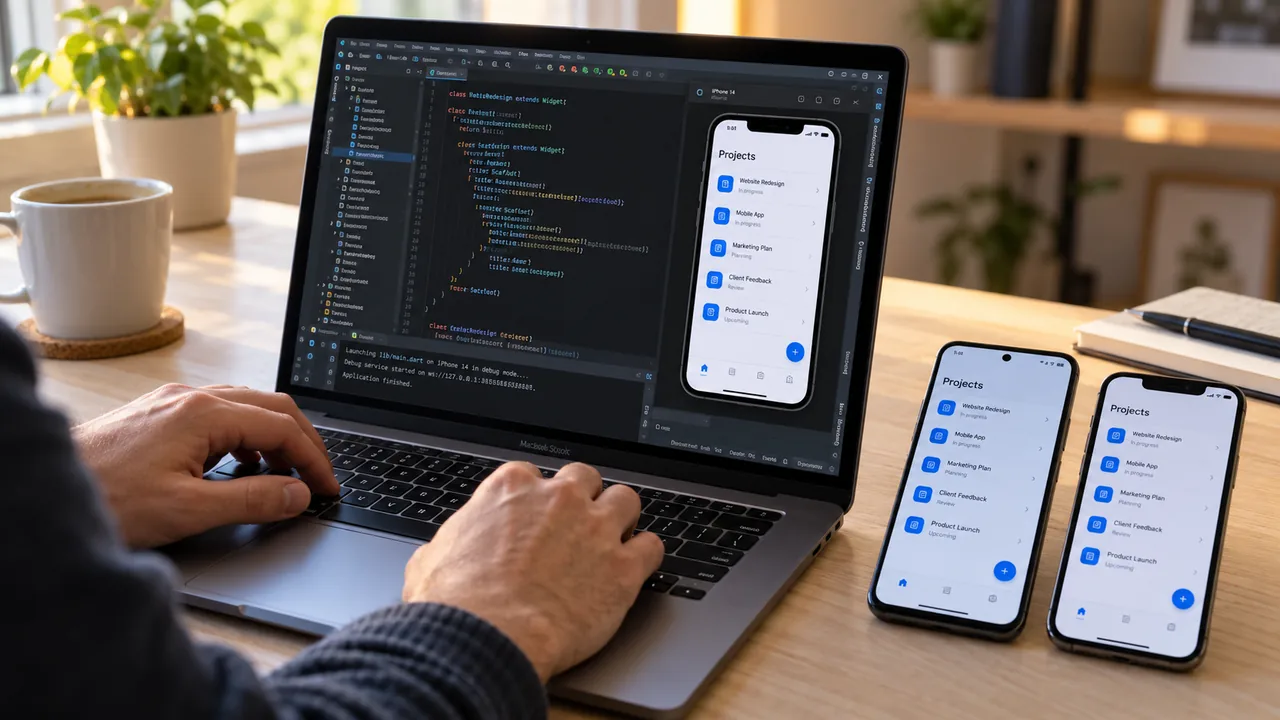
Android Studio can be an editor and development environment for a Flutter project targeting Android and iOS. Shared code is written in Dart, while building and signing for iPhone requires Xcode tools on macOS and separate iOS testing.
How does it work?
Android Studio is the development environment. It provides a code editor, debugging tools, emulators and everything else needed to build mobile apps.
To create an app for Android and iOS at the same time, developers most often use Flutter, Google's framework for building apps from a single shared codebase.
The developer writes the app once in the Dart language, and Flutter produces builds for both Android and iPhone.
What role does Android Studio play?
Android Studio serves as the main development environment for:
- editing source code;
- building the user interface;
- managing the project;
- testing the Android version;
- working with Flutter plugins;
- managing dependencies.
In practice, nearly all development can be done in Android Studio.
Why is Xcode still required?
When it is time to run the app on an iPhone or publish it to the App Store, Apple requires Xcode.
Xcode is used for:
- compiling the iOS version;
- code-signing the app;
- managing certificates;
- publishing to the App Store;
- testing on real iPhone devices.
The distinction is technical: Android Studio handles editing, Flutter shares part of the code, and Xcode tools build and sign the iOS version. Publication has additional account, configuration and Apple review requirements.
The advantages of Flutter
A shared codebase reduces some duplicated work without making platforms identical. Navigation, permissions and integrations are checked on each platform. It balances shared development against platform requirements rather than automatically guaranteeing lower costs.
Business apps may share screens and logic through a common codebase. Camera, Bluetooth, file and other platform integrations may still require separate code and tests. Supporting two platforms is distinct from choosing one editor.
Is it suitable for ERP systems?
Yes. Flutter is used successfully to build:
- ERP systems;
- CRM apps;
- warehouse management systems;
- apps for sales representatives;
- logistics platforms;
- industrial applications;
- mobile interfaces for IoT and SCADA.
Choosing Flutter for enterprise software depends on integrations, lifecycle and team experience. Native apps and other cross-platform approaches remain alternatives. The assessment concerns the particular workflow, not a universal advantage.
What does the workflow look like?
- The app is developed in Android Studio.
- The code is written in Dart using Flutter.
- The Android version is tested.
- The project is opened in Xcode on a Mac.
- The iOS version is compiled.
- The app is tested on an iPhone.
- The app is published to the App Store.
Conclusion
On its own, Android Studio does not create native iPhone apps. Combined with Flutter, however, it becomes a powerful environment for building Android and iOS apps from one shared codebase. The only step that remains Apple-specific is the final build and publishing through Xcode.
This approach lets developers cut development time, maintain a single project and reach both Android and iPhone users at once.
Further reading: Flutter — iOS setup.