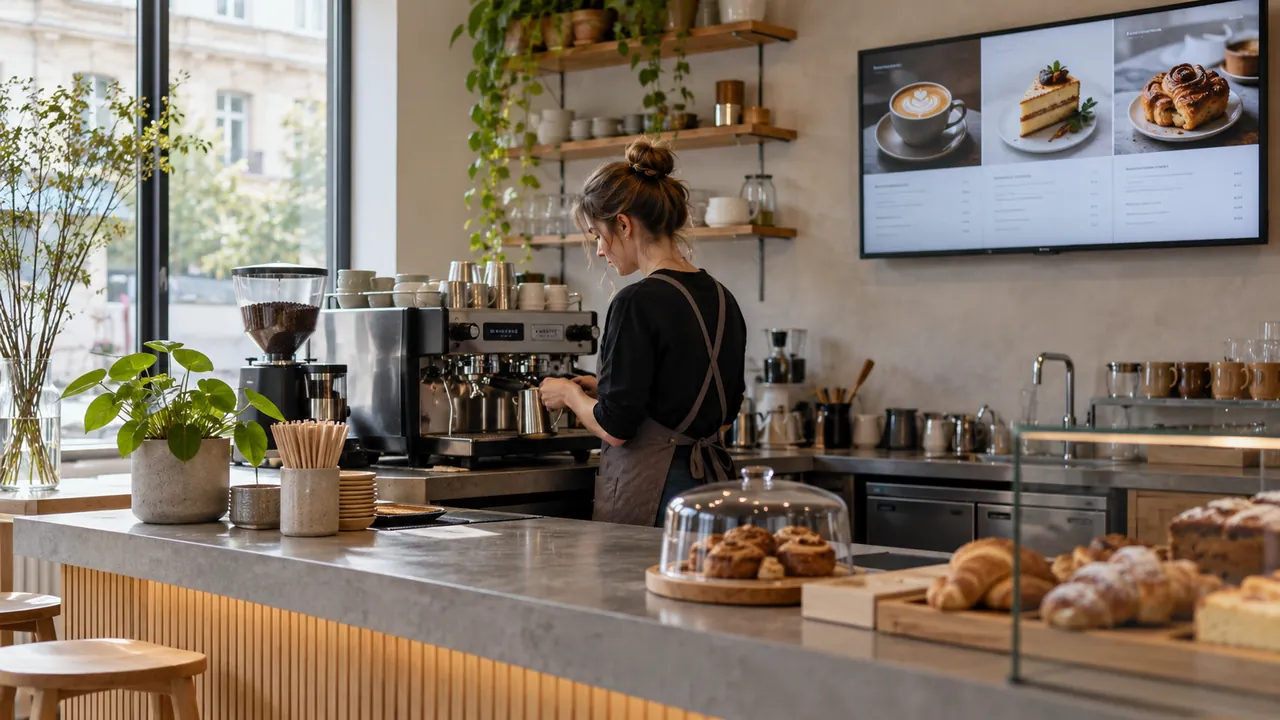
A digital menu is screen content managed through software. An Android device acts as the player, while a central panel organises images, video and schedules. This separates everyday content updates from physical display installation.
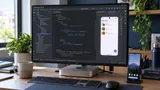
A typical system consists of Android media players connected to commercial displays and a central web interface (CMS) used to manage content. Changes are pushed over the network and appear almost immediately, with no physical access to the device.
The app can also be installed directly as an APK on an Android Smart TV. On TVs that allow file system access or installation from USB, no separate media player is needed. This lowers hardware costs and simplifies installation.
What the screen can show
- Menus with prices, ingredients and allergens; separate breakfast, lunch and dinner menus
- Price lists and promotions with automatic start and end
- Product photos and videos, supplier advertising clips
- Waiting time and order-ready numbers
- Announcements, opening hours and venue information
- Combined layouts: video in one zone, prices in another, a news ticker at the bottom
How central management works
At the core of the system is a web dashboard that brings all screens together. It shows what each screen is playing right now and whether it is online. Screens are organised into groups — by city, by type of outlet or by zone within one venue — and a single change can be sent to all of them at once or only to a selected group.
Content is arranged in playlists: a sequence of images, videos and web pages, each with its own duration. The schedule determines what plays when — different content by hour and day of the week, with automatic switching. The breakfast menu disappears at exactly 11:00, and the weekend promotion starts on Friday and ends on Sunday evening without anyone lifting a finger.
For day-to-day work, templates are the most useful feature — ready-made layouts in the corporate identity where only the text and price change. The person updating prices does not deal with design, and the look stays consistent across all outlets. Access rights limit who can change what: an outlet manager edits only their own screens, while head office manages all of them.
Status monitoring completes the picture: if a screen goes dark or loses its connection, the system sends an alert instead of the problem being noticed days later.
System capabilities
- A central web dashboard for all screens — accessible from a computer and a phone.
- Change prices and menus in seconds — no printing, no trips to the site.
- Scheduling by hour and day of the week — with automatic content switching.
- Screen groups — one change sent to many outlets.
- Playlists with images, video and web pages.
- Ready-made templates — only the text and price change.
- Offline mode — content keeps playing when the internet is down.
- Automatic start after a power cut — the player boots straight into playback mode.
- Full HD and 4K, landscape and portrait orientation.
- Alerts when a screen goes dark or offline.
- Access rights per outlet.
- Runs as an APK directly on a Smart TV — no separate player.
Technical specifications
- Player: Android media player or Smart TV with the APK installed.
- Resolution: Full HD and 4K; landscape and portrait orientation.
- Connectivity: Wi-Fi or LAN.
- Offline mode: content is cached locally — if the internet drops, the screen keeps showing the last version received.
- Auto start: when power is lost and restored, the player starts by itself in playback mode.
- Displays: commercial panels designed for extended operation; high-brightness models for shop windows.
- Power: scheduled on/off, which saves energy and extends panel life.
What it consists of
- Android media player or APK app on a Smart TV
- Commercial display (when an existing TV is not used)
- CMS software for content management
- Stand or mounting bracket (where needed)
- Network connectivity and power
- Installation and initial setup
- Templates designed to match the corporate identity
- Training for the people who will update content, plus ongoing maintenance
Common deployment mistakes
- A consumer TV in a shop window. Ordinary TVs are not designed to run 12–24 hours a day, and in a sunny window their brightness is not enough, so content becomes unreadable. High-brightness models are the choice for windows.
- Too much information on one screen. A menu is read from a distance and in a few seconds. Large type, good contrast and a limited number of items per screen matter more than fitting everything in.
- Relying on Wi-Fi alone. In venues with many devices and thick walls, wireless is unstable. Where possible, a wired LAN connection is more reliable.
- No local cache. If the player loads content only online, every internet outage leaves a blank or wrong screen.
- Untested auto start. After a power cut, the screen should return to the menu on its own, not to the TV home screen. This is checked during installation.
- No monitoring and no permissions. A dark screen can go unnoticed for days, and shared access for everyone leads to accidental changes at other outlets.
Practical application
A price can be changed in seconds without printing or travel, and all outlets look the same and follow the corporate identity. Promotions start and end automatically, right on time. Dynamic content holds attention longer than a static sign, and the recurring costs of printing and installing signs disappear. Adding more screens does not change how work is organised — a new screen simply joins the relevant group.