Condominium software organises building records, documents, notices and financial reports. A portal provides personal access, while a lobby display shows shared information. The platform supports management but does not replace required decisions and procedures.
Modern platforms bring all of this together in one system. They work equally well for a single entrance, for a residential complex of several blocks and for a professional building manager who looks after dozens of buildings from one account. The core idea is transparency: every owner can see where the money goes, and the building manager has a clear paper trail for every action.
Three screens, one system
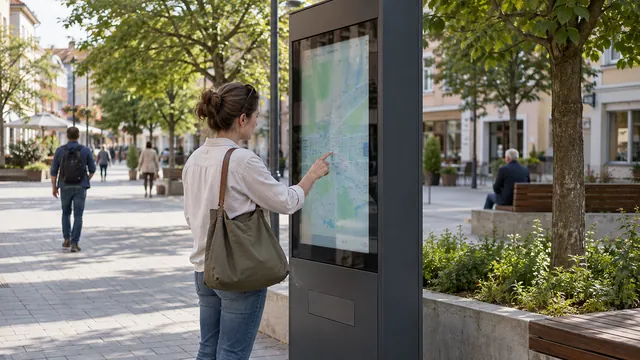
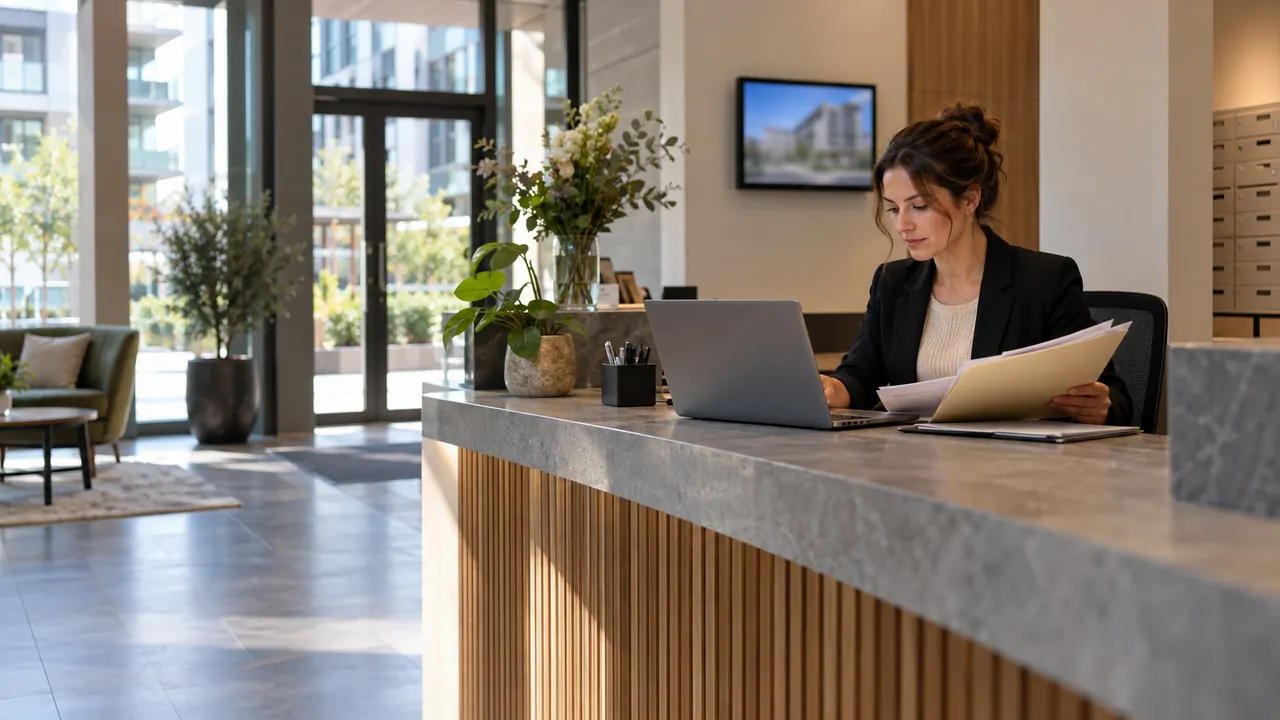
- TV display in the lobby — an Android media player or a Smart TV with the app installed. It shows announcements, the general assembly agenda, the balance of the cash account and the Repair and Renovation Fund, planned repairs, emergency numbers and information from the building manager. Content is updated remotely, without physical access to the device.
- Web dashboard for the building manager — fee accrual, payment posting, expenses and invoices, documents, votes, notifications and reports. Accessible from a computer, tablet and phone.
- Owner portal — every resident sees their own account: amounts due, payment history, building expenses, minutes and documents; from there they report issues and vote online.
System modules
House register and users
The register holds the apartments, undivided shares in the common parts, floor area, owners, tenants, number of occupants, pets, cars and parking spaces. Users are assigned roles with different permissions — building manager, treasurer, supervisory board, owner, tenant.
Fees and arrears
Monthly fees are accrued automatically using a chosen allocation method: per occupant, per apartment, by undivided share, per square metre or a combination. The system handles late-payment interest and partial payments and sends notices of amounts due.
Repair and Renovation Fund
The Bulgarian Condominium Management Act (ZUES) requires this fund to be kept separately, so it has its own account: contributions, targeted payments, planned and completed repairs. The balance is visible in real time both in the portal and on the lobby display.
Expenses and budget
Electricity, water, lift, cleaning, maintenance and insurance are entered with the invoice attached. Expenses can be allocated by entrance, and the annual budget is compared with actual spending.
Cash and payments
The system keeps a cash account and a bank account, payment slips, and accepts payments in three ways — online by card, by bank transfer and in cash. When a payment is received, the obligation is closed automatically.
Access control
The entrance, garage, storage rooms, bicycle room and common areas are opened with an RFID card or fob, a QR code or a phone. Credentials are issued and blocked from the web dashboard, temporary codes are generated for guests and tradespeople, and the event log is kept per apartment.
General assembly and voting
The module covers invitations and the agenda, attendance registration and quorum by undivided shares, online voting with a verifiable result and automatically generated minutes.
Issues and requests
Residents report a breakdown or a problem with a photo. Each request has a status, an assignee and a deadline, and the history is kept per building.
Documents and archive
House rules, minutes, contracts, insurance policies, the building's technical passport and warranties are stored in one place, with access according to the user's role.
Notifications
Messages go out by e-mail, SMS and Viber to everyone or to a specific apartment. Reminders about fees and upcoming meetings are automatic.
Reports
Income and expenses by period, a list of debtors, fund balances and a report to the general assembly — with export to PDF and Excel.
Meters
Water and heat meter readings are entered manually or imported from the heat cost allocation company.
Multi-building management
Professional building managers work with an unlimited number of buildings, consolidated reports and separate access for each manager.
The lobby TV display: what it shows
- Announcements and messages from the building manager
- Balance of the cash account and of the Repair and Renovation Fund
- Summary of expenses for the month and the year
- Date, agenda and results of the general assembly
- Planned repairs, maintenance and water or power outages
- Emergency numbers and contacts of the building manager and the building's technical maintenance
- Clock, date, weather forecast and information from the municipality
Personal data stays protected: the public screen shows no names or individual debts, only summary information and service messages. A personal account is accessible only after logging in to the portal.
How it works in practice
- The building is set up once — apartments, undivided shares, owners and the fee allocation method.
- At the start of each month the system accrues fees automatically and notifies residents.
- Payments arrive online, by bank transfer or in cash and are posted to the relevant account.
- The building manager enters expenses with the invoice attached, and the Repair and Renovation Fund is topped up automatically.
- The lobby TV display downloads the latest data and announcements and shows them in a continuous loop.
- Entrance access is managed by the same system — when an apartment is sold, the old cards are blocked in one step.
- At the end of the period a ready-made report for the general assembly is generated.
System capabilities
- Web portal for the building manager and for every owner
- Remotely managed information TV display in the lobby
- Automatic accrual of monthly fees using a chosen method
- Repair and Renovation Fund with a separate account and report
- Online card payment, bank transfer and cash payment
- Access control with a card, QR code or phone
- Online general assembly and voting with automatic minutes
- Notifications by e-mail, SMS and Viber
- Breakdown reports and requests with photo and status
- Archive of documents, minutes and invoices
- Reports on debtors, income and expenses with export to PDF and Excel
- Management of an unlimited number of buildings from one account
Technical specifications
- Architecture: web application — as a cloud service (SaaS) or installed on your own server; no local computer is needed in the building.
- Display: Android media player or Smart TV with APK installation; Full HD and 4K, portrait and landscape orientation.
- Display connectivity: Wi-Fi or LAN; content is cached, so the screen keeps showing the last version if the internet drops.
- Access control: MIFARE Classic/DESFire 13.56 MHz, QR code, Bluetooth or mobile phone; Wiegand and RS-485 to the controller and electric locking device.
- User access: through a browser on a computer or phone, no installation required.
- Security: HTTPS, roles and permissions, audit log of actions, daily database backup.
- Data: processing in line with GDPR and the option to export data when use of the service ends.
What it consists of
- Software — web portal for the building manager and owners
- Android media player or Smart TV with the APK app
- Commercial display for the lobby (optional)
- Mounting bracket and power supply
- Access controller and door reader (optional)
- RFID cards or fobs for residents (optional)
- Onboarding — entering the building data and training the building manager
- Technical support and software updates
Practical tips for rolling it out
- Accurate source data. Automatic accrual is only as accurate as the house register. Undivided shares, floor areas and numbers of occupants should be checked before the first accrual.
- An approved fee allocation method. How costs are shared is decided by the general assembly; the platform only applies it. It is good practice to upload the decision and the minutes to the archive.
- Online meetings and legal requirements. Before relying fully on online voting, it is worth checking that the chosen procedure for convening, quorum and minutes complies with ZUES and the building's house rules.
- Nothing personal on the public screen. Debtors' names and individual amounts have no place on the lobby display — this is both a data protection matter and a question of good neighbourly relations.
- A transition period for all residents. Not every owner uses e-mail or a smartphone. For the first months, paper notices and cash payments remain available until people get used to the portal and the display.
- Secure mounting and a reliable connection. The lobby display is mounted on a sturdy bracket out of reach of knocks, and the player must restart on its own after a power cut. A wired LAN connection is usually more stable than Wi-Fi in a stairwell.
- Discipline when ownership changes. When an apartment is sold, the previous owner's cards and access rights are blocked immediately and the account is transferred.
Practical application
- Full transparency — every resident can see where the money goes, which significantly reduces disputes.
- Higher fee collection thanks to automatic reminders and online payment.
- The building manager saves hours of manual work and is protected by a clear paper trail.
- A secure entrance and control over who has access to the common areas.
- Ready-made reporting for the general assembly and the supervisory board.