An office network connects workstations, servers, phones and other devices. Cabling, switches and Wi-Fi coverage serve different purposes but are planned together around traffic and working arrangements.
Structured cabling
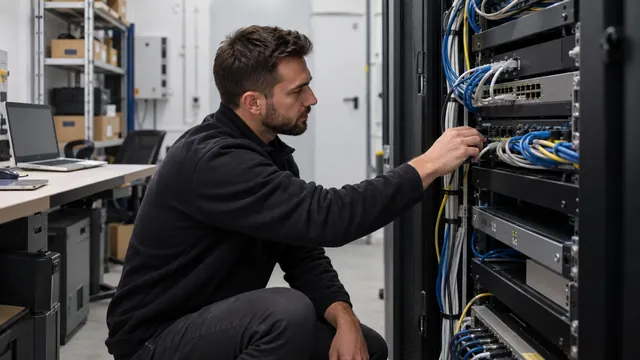
The foundation of any reliable network is high-quality structured cabling. The recommended components are:
- Cat6A cable — supports 10 Gigabit Ethernet and offers better interference protection than Cat6.
- Patch panels — for orderly management inside the network cabinet.
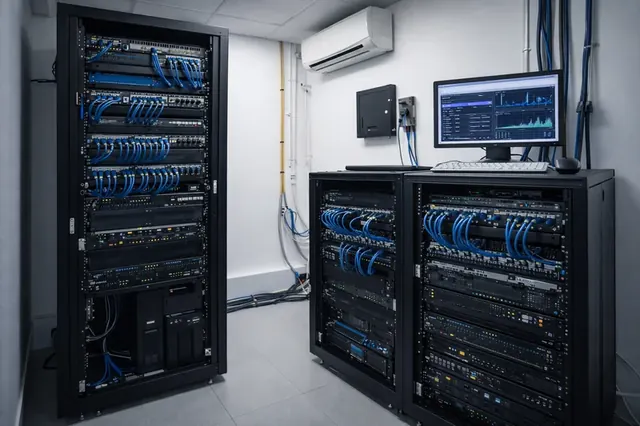
- 19-inch rack cabinet — for secure, well-ventilated mounting of the active equipment.
Active equipment
Switches
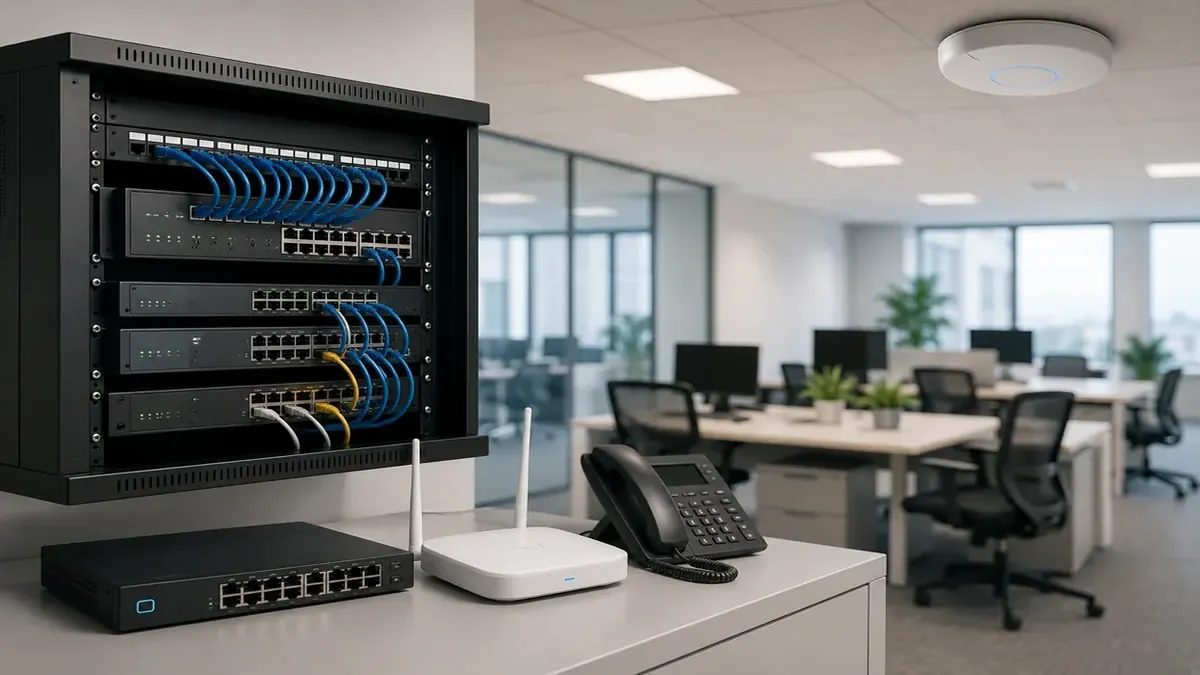
Managed switches enable VLAN segmentation, QoS traffic prioritisation and monitoring. For business use, Cisco, MikroTik or Ubiquiti are common choices.
Routers and firewalls
A firewall applies rules to communication between networks. Platform selection considers traffic, required features and maintenance capacity rather than brand alone. Configuration, updates and log review are part of its operation.
Wi-Fi infrastructure
Wi-Fi coverage is planned around obstacles, device numbers and traffic. Floor area is only one factor. Central management simplifies multiple access points, while their number and placement are established through site assessment and measurements.
Redundancy and UPS protection
UPS runtime depends on the connected load, battery capacity and battery condition. Select the model for the time needed to save data and shut down safely, and verify runtime with the actual equipment.